Will it work on my Windows version?
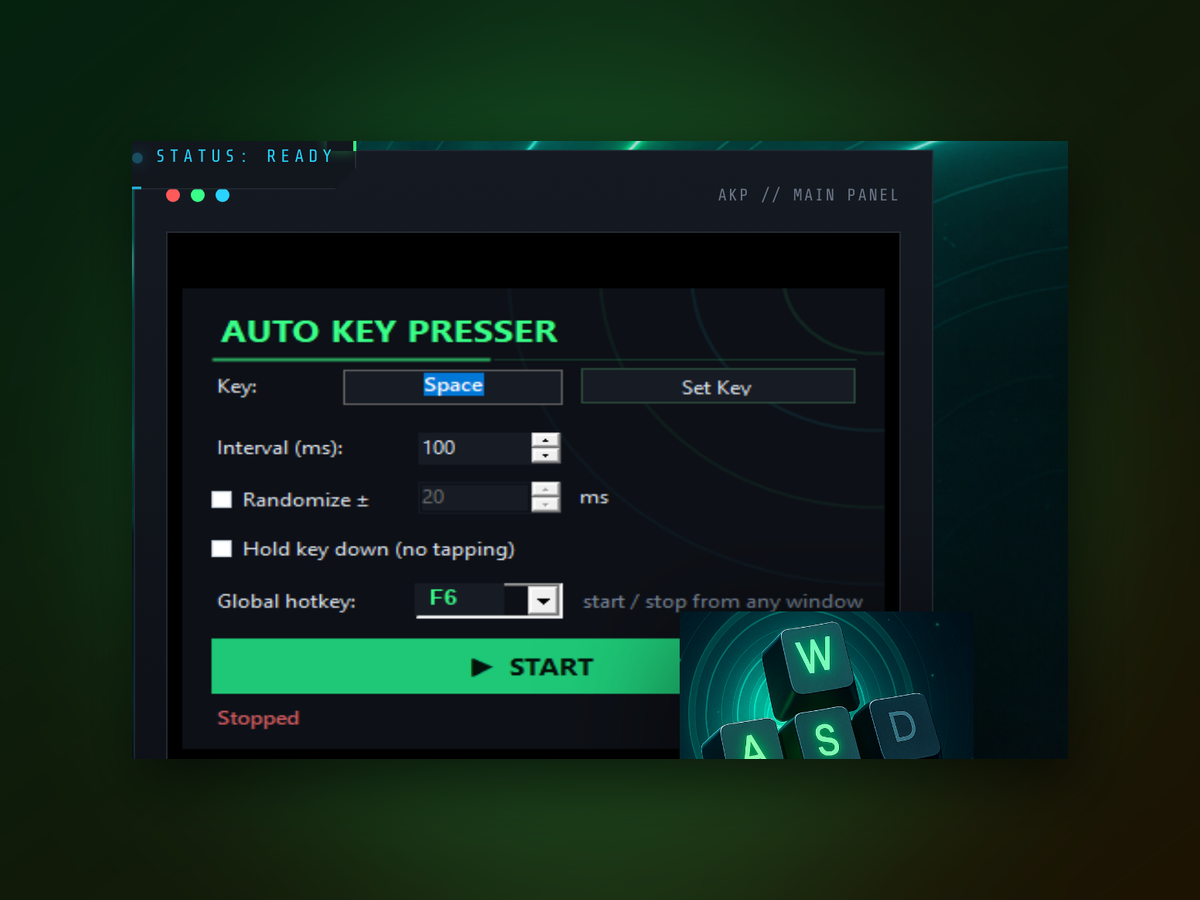
Yes, if you're on Windows 7 or newer. The tool runs natively without any extra software installed.
Can I change the click speed while it's running?
You can pause it with a hotkey, adjust the frequency, and restart it. No need to close the window.
Does it send real keyboard signals?
Yes, it sends genuine key presses that your application receives the same way as manual typing.
What if I want to use it only for one specific key?
You configure which key to repeat when you first set it up. It automates only that key.
Can it run in the background without the window visible?
You can minimize it to the system tray, and it keeps working with hotkey control.
Is there a maximum frequency I can set?
You can set it as high as your PC can handle. Most users stay between 1 and 100 clicks per second.
Does it track what I'm doing?
No. The tool is offline and doesn't collect data or phone home.